Whether you are calculating discounts while shopping, analyzing financial growth in Excel, determining academic marks, or converting fractions, understanding the percentage calculator formula is one of the most practical mathematical skills you can master.
The 3 Core Percentage Formulas
Almost every percentage query in daily life, commerce, and mathematics falls into one of three standard categories:
| Question Type | Formula | Sample Calculation | Quick Tool |
|---|---|---|---|
| What is X% of Y? | (X ÷ 100) × Y | 20% of 150 = 30 | Standard Calculator |
| X is what percent of Y? | (X ÷ Y) × 100 | 30 is 20% of 150 | Ratio Guide |
| Percentage Increase / Decrease | ((New - Old) ÷ Old) × 100 | 100 to 125 = +25% | Change Guide |
Formula 1: What is X% of Y? (Percentage of a Number)
This is the classic formula used when you know the total amount and you want to extract a specific percentage of it. Because “percent” literally translates from Latin (per centum) as “out of one hundred”, you first convert the percentage into a decimal by dividing by 100, then multiply by the total.
Suppose a coat retails for $150 and is discounted by 20%. How much money do you save?
- Step 1: Convert percentage to decimal: 20 ÷ 100 = 0.20
- Step 2: Multiply by total value: 0.20 × 150 = 30
- Result: 20% of $150 is $30. Final price is $150 - $30 = $120.
As documented in Wolfram MathWorld's percentage reference, calculating parts per hundred is a linear scaling operation.
Formula 2: Percentage Between Two Numbers (X is What % of Y?)
When you have two numbers and want to determine their proportion as a percentage, use the ratio formula:
For example, if you score 45 on a test out of 60: 45 ÷ 60 = 0.75, which multiplied by 100 equals 75%. For step-by-step ratio analysis, explore our dedicated percentage between two numbers tutorial.
Fraction & Decimal Conversions
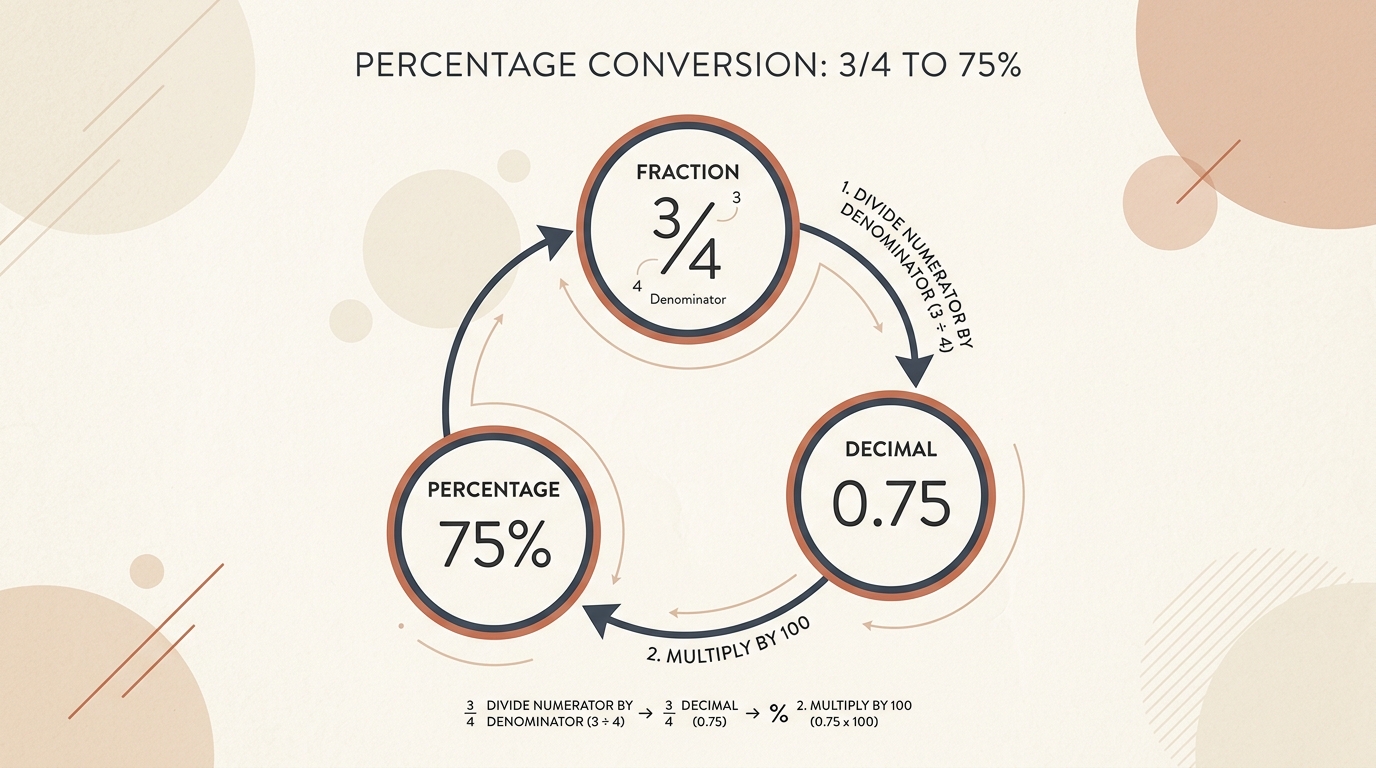
Percentages, decimals, and fractions are three expressions of the same mathematical quantity. According to Khan Academy's foundational percentage curriculum, converting between representations ensures consistency across computational workflows. See our fraction to percentage calculator guide for full conversion tables.
Reverse Percentage: Finding the Base Value
To find the original value before a tax or markup was applied, divide by the decimal factor: Original = Final ÷ (1 + Rate). If an invoice total is $240 including a 20% tax, the pre-tax sum is $240 ÷ 1.20 = $200. Learn full pre-tax and pre-discount algebra in our reverse percentage formula guide, or automate spreadsheet equations with our Excel percentage guide.
Mental Math Shortcuts for Fast Estimates
- 10% Rule: Move the decimal point one position to the left (10% of $85 is $8.50).
- 5% Rule: Take half of your 10% figure (5% of $85 is $4.25).
- 1% Rule: Move the decimal point two positions to the left (1% of $85 is $0.85).