Writing an accurate percentage calculator formula in Excel requires understanding how the spreadsheet engine handles cell references, floating-point math, and division errors.
The Anatomy of Excel Percentage Syntax
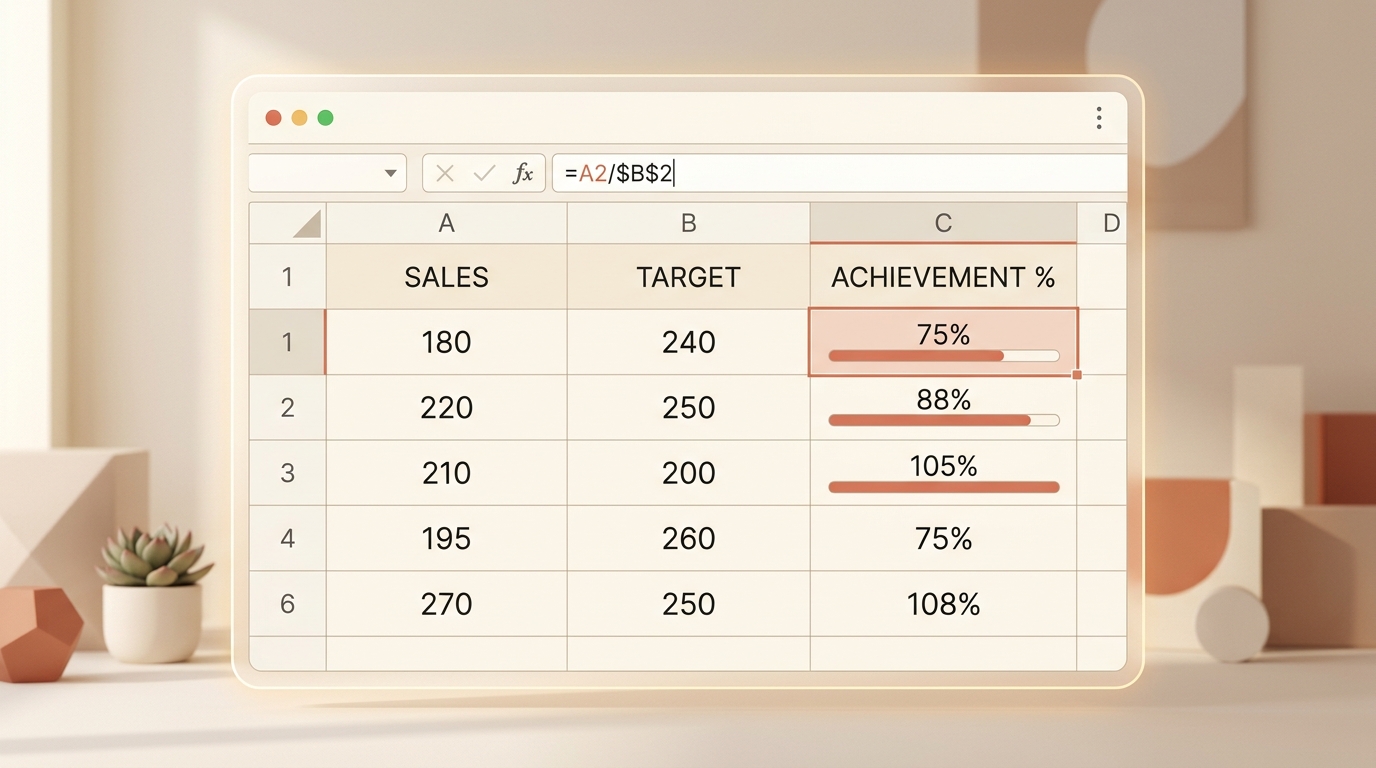
Excel formulas always begin with an equals sign (=). To calculate what percentage cell A2 is of B2, enter:
After pressing Enter, apply the percentage format via the Home ribbon or keyboard shortcut Ctrl + Shift + %.
Absolute vs. Relative Cell Referencing ($ Signs)
When calculating each row’s share of a column total, lock the denominator cell using dollar signs: =A2 / $A$10. This allows autofilling down hundreds of rows without breaking the denominator.
Preventing #DIV/0! Errors with IFERROR
If your dataset contains empty rows or zero totals, wrap the formula: =IFERROR(A2 / B2, 0). This keeps reports clean and presentable.
Need to test a formula before writing your macro? Check the numbers on our Percentage Calculator.